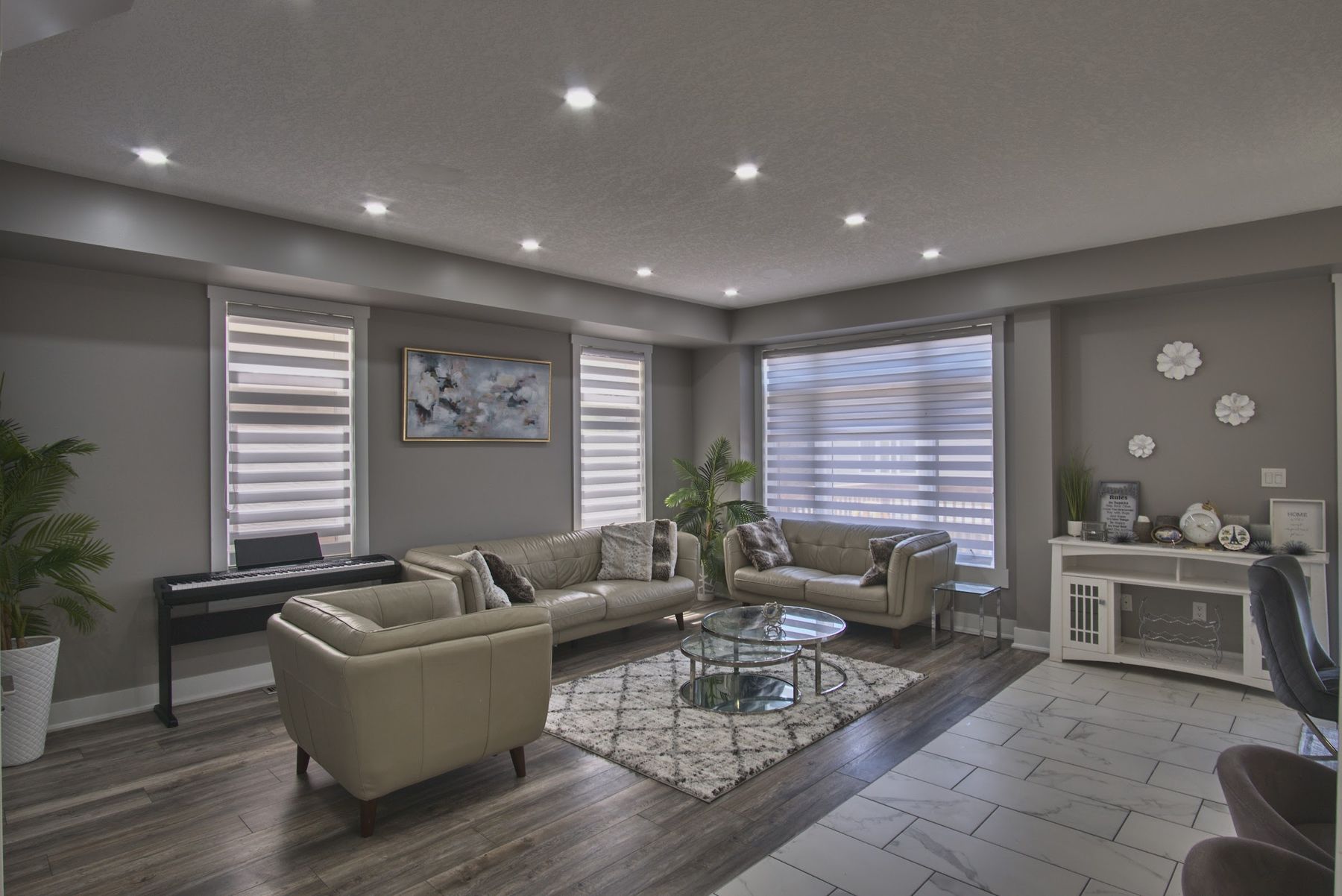
Interactive Walkthrough
Walk the whole home, room by room.
Click the arrows inside the panorama to move between rooms — just like walking the property yourself.
Click the arrows inside the panorama to move between rooms — just like walking the property yourself.
Drag to look around in any room. Click the gold arrows floating in the scene — or use the room list — to move through the property.
Each room's 360° photo can be swapped from /admin (Site Images → “3D Tour — [Room Name]”) — upload your own equirectangular photo and it replaces the demo instantly.
Add a full interactive walkthrough to any listing package.